

How to use Wacom Yuify plug-in for Adobe Photoshop CC
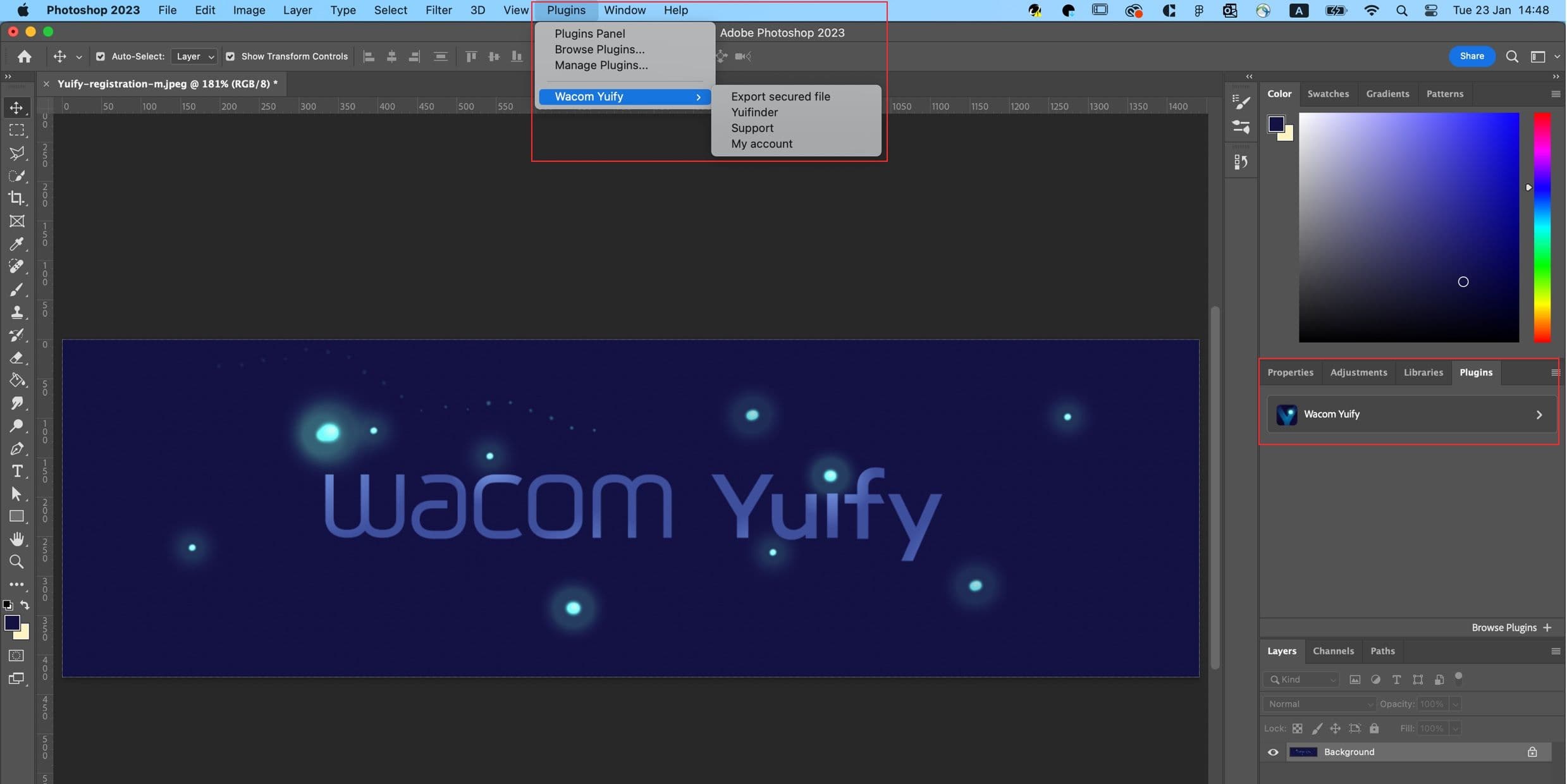



1. Download plugin

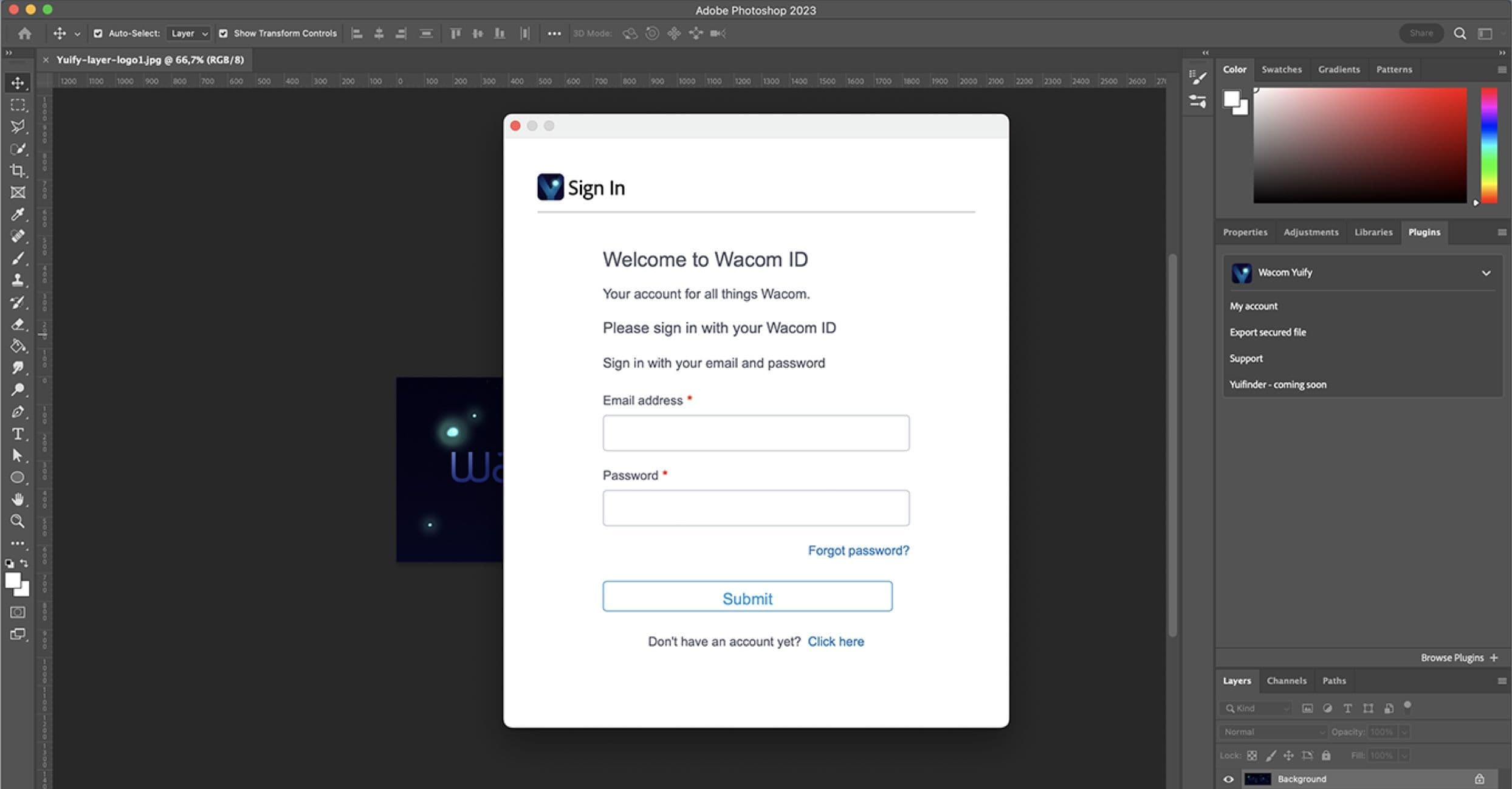
2. Sign in to Yuify

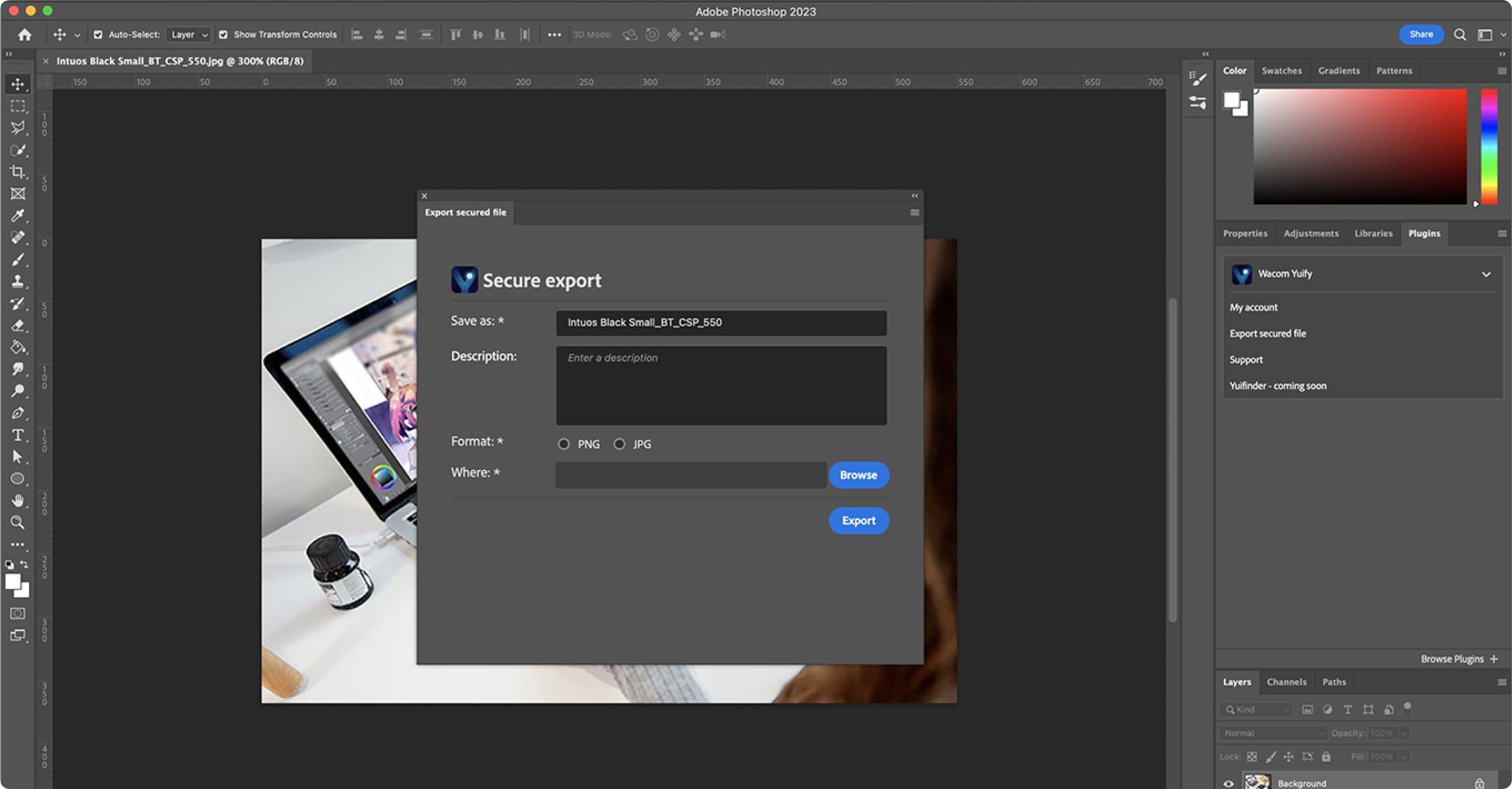
3. Export artwork

4. Open Yuify app

5. Manage your artworks
Download
Download and install Wacom Yuify plug-in for Adobe Photoshop CC and access it from the plug-in panel.
What is coming up?
As we progress, Wacom Yuify will continue to enhance its features, expand its partnerships with additional creative software applications, and ensure compatibility with a wider range of artwork formats. The core service will remain accessible to all users at no cost.