
How to use Wacom Yuify with CLIP STUDIO PAINT

1. Download plugin

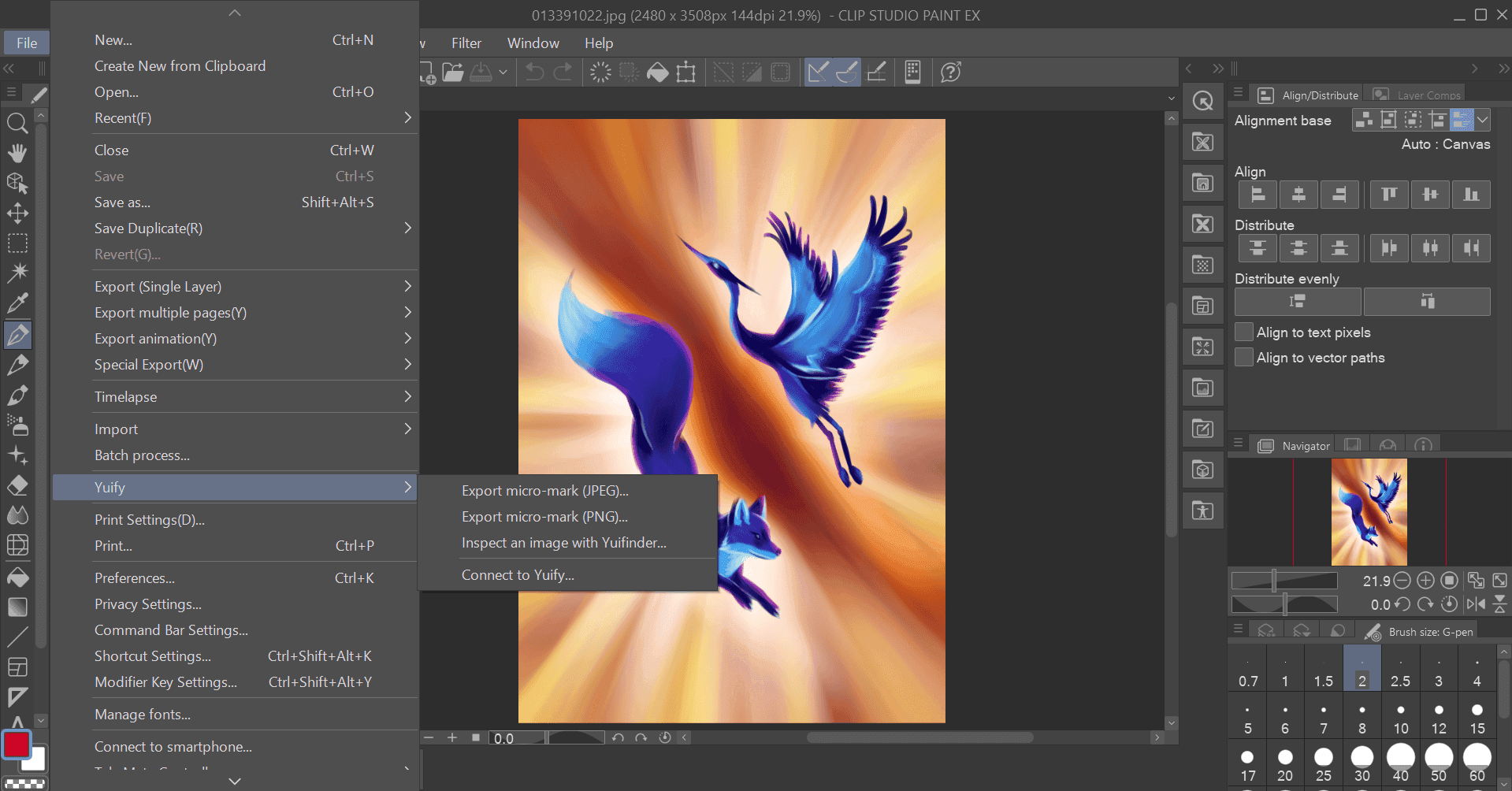
2. Connect to Yuify

3. Export artwork

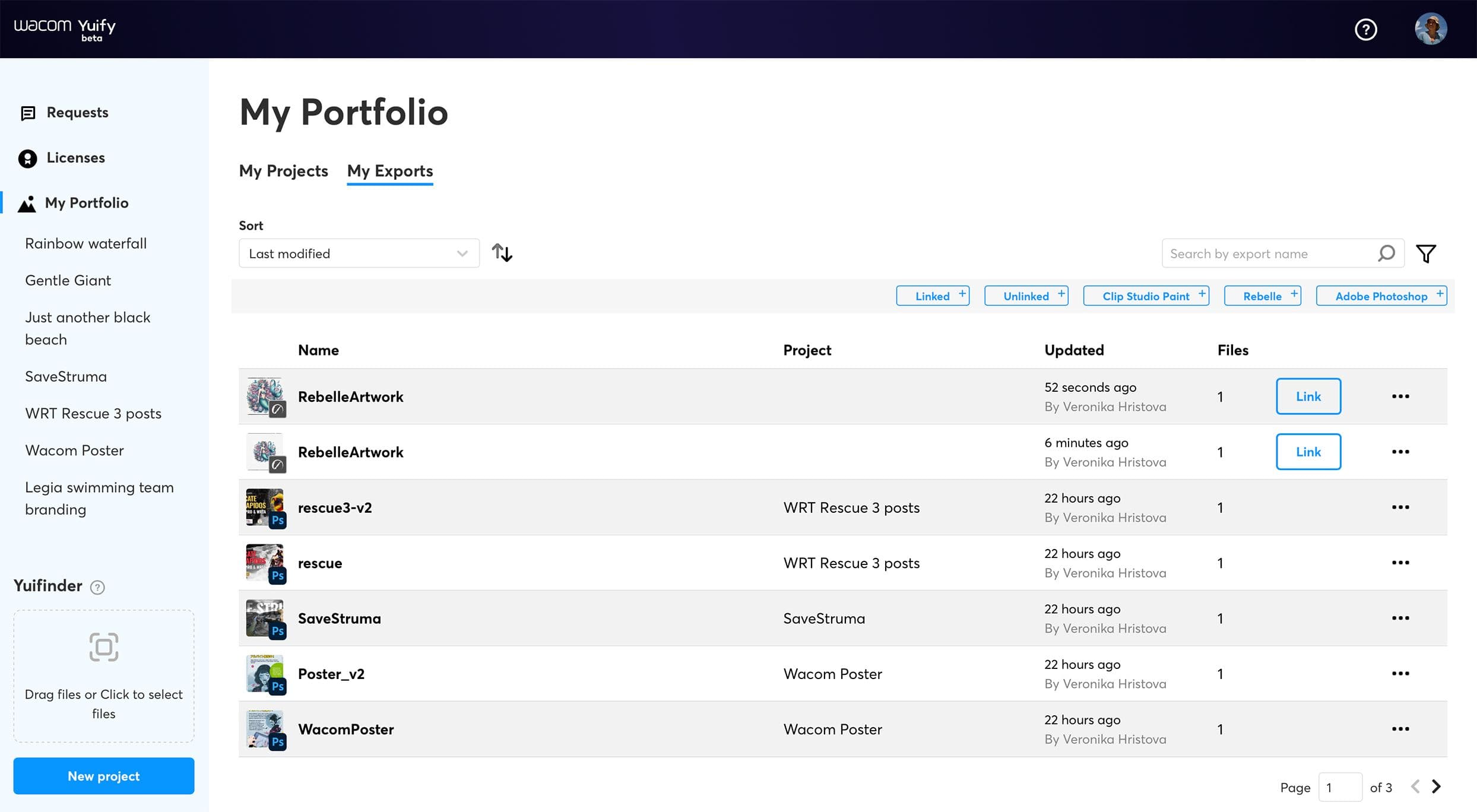
4. Open Yuify аpp

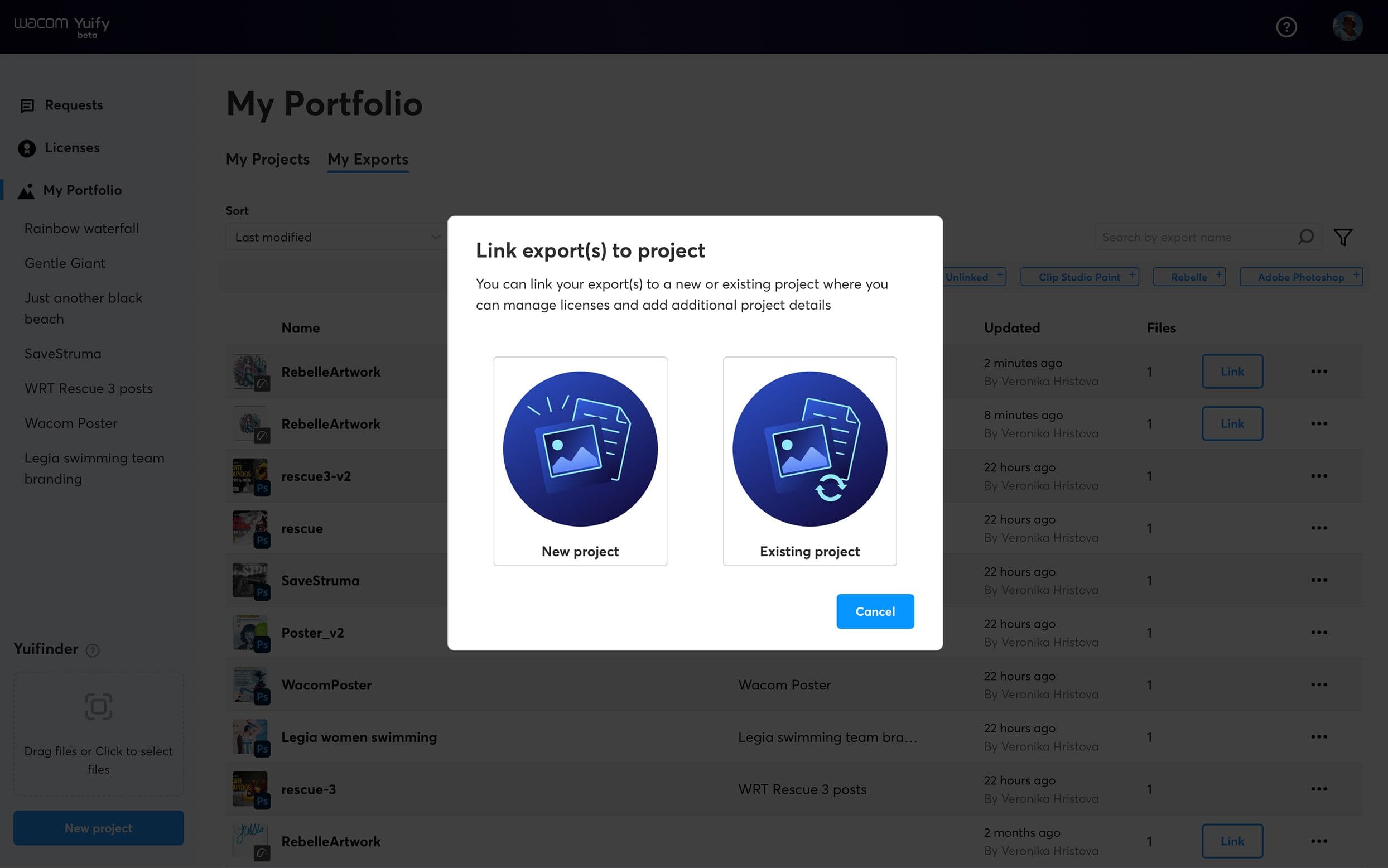
5. Manage your artworks
Download
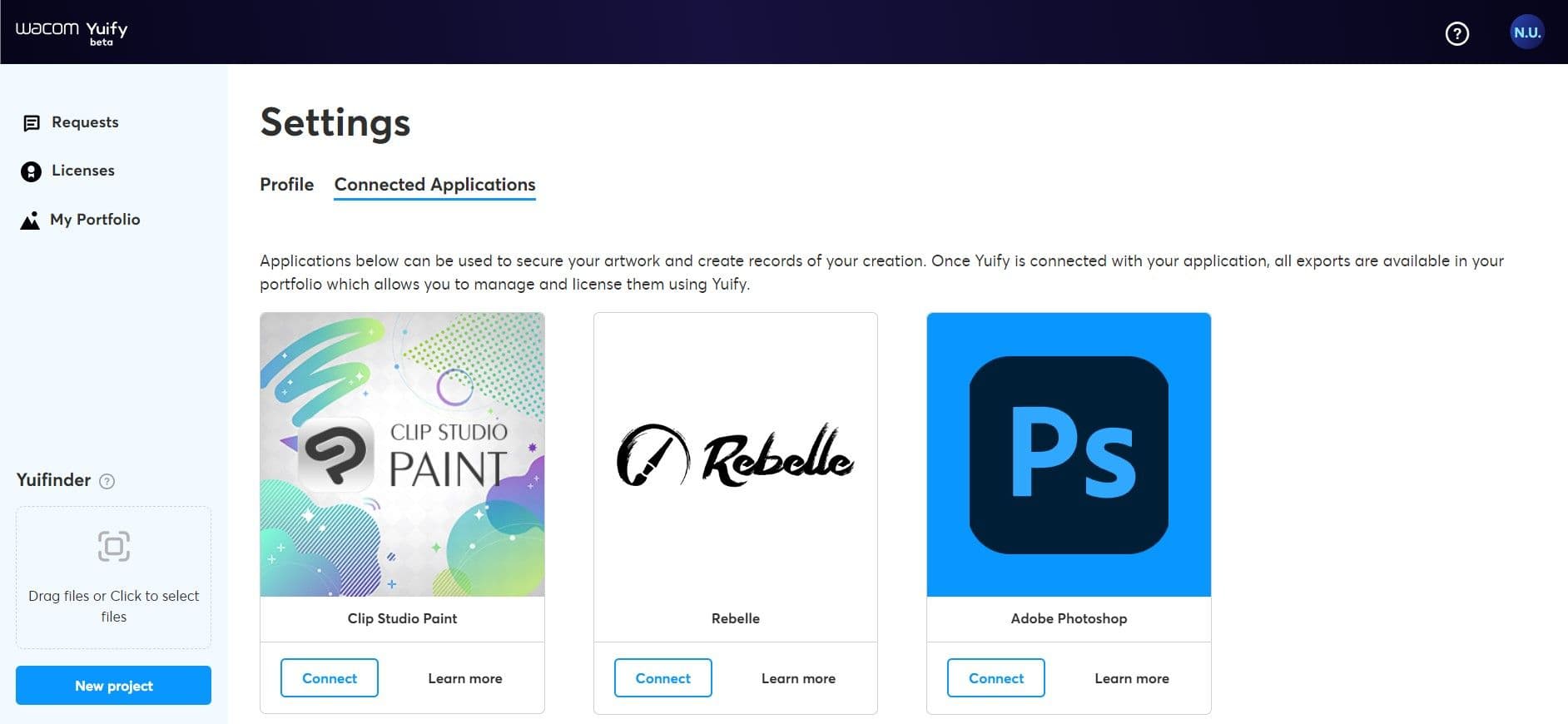
Open the Yuify app (app.yuify.com) and go to the ‘Connected applications’ tab at the ‘Settings’ screen. Click the ‘Conect’ button on the CLIP STUDIO PAINT card and download.
What is coming up?
As we progress, Wacom Yuify will continue to enhance its features, expand its partnerships with additional creative software applications, and ensure compatibility with a wider range of artwork formats. The core service will remain accessible to all users at no cost.